Why the choice of project‑management platform matters for communication‑heavy teams
Call centers, sales desks, and support units rely on rapid ticket routing, scheduled callbacks, and coordinated marketing pushes. A platform that fragments tasks or forces multiple plug‑ins adds latency and creates hidden costs. Selecting the right tool therefore affects response times, agent alignment, and ultimately revenue.
Composite scores and what they mean
Tech.co’s December 2025 analysis gave ClickUp a 4.5 / 5 overall rating versus Trello’s 4.3 / 5. The margin stems mainly from ClickUp’s deeper task‑management suite and a larger integrations catalog. Both tools score above 4 in ease of use, indicating that neither will stall onboarding for most teams.
Pricing and free‑tier headroom
ClickUp’s paid Unlimited plan starts at $7 per user per month (annual billing). Trello’s Standard tier is $5 per user per month. On the free side, ClickUp allows unlimited users, five active projects, and 100 automations each month, plus limited Gantt and resource views. Trello caps free usage at 10 boards and 250 automation actions per month. For fast‑growing teams, ClickUp’s free tier provides more scalability without immediate expense.
Task‑management depth
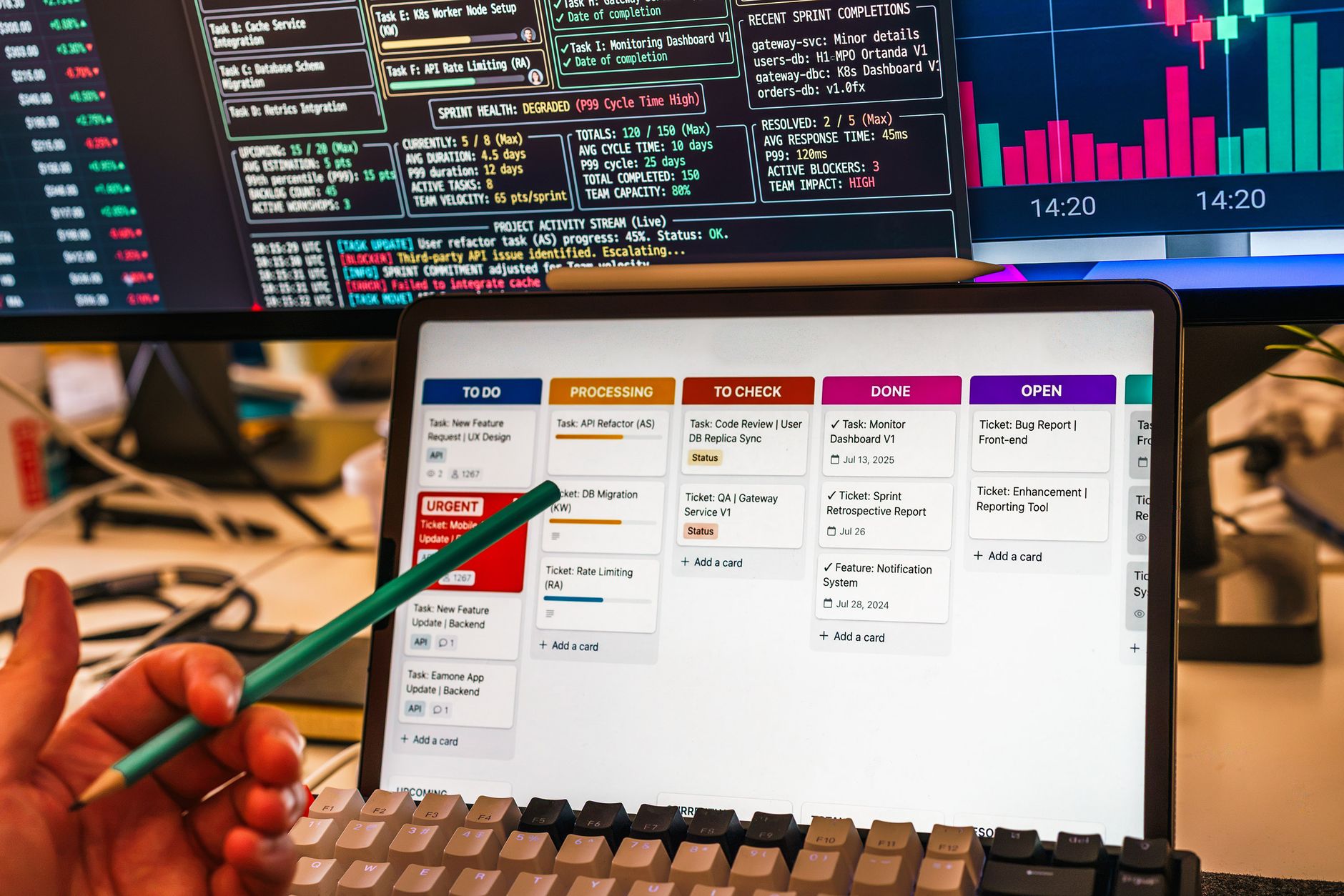
ClickUp offers five native views—Kanban, List, Calendar, Gantt, and Spreadsheet—plus built‑in time‑tracking, task dependencies, and an AI assistant (ClickUp Brain) that drafts descriptions and comments. Trello sticks to Kanban; anything beyond that requires Power‑Ups, which often carry additional fees and add complexity.
Workflow automation capabilities
ClickUp’s automation builder includes custom fields, form capture, and up to 1,000 automations on the Unlimited plan. Trello relies on Power‑Ups, limited to ten per board in the free version, and many premium Power‑Ups cost extra. The built‑in approach reduces the need for third‑party middleware.
Integrations landscape
ClickUp lists over 1,000 native integrations, covering CRM, help‑desk, and telephony platforms such as Slack, HubSpot, and Twilio. Trello provides roughly 200 Power‑Ups, sufficient for basic needs but less comprehensive for omnichannel orchestration.
Customer support comparison
Trello scores higher on support: live chat on every plan and 24/7 phone support for Enterprise customers. ClickUp provides live chat and email support, plus an extensive knowledge base, but no phone line. Organizations that prioritize immediate issue resolution may lean toward Trello.
Ease of use and learning curve
Trello’s minimalist UI enables a new user to spin up a board in minutes. ClickUp’s richer interface introduces a steeper learning curve and occasional slower load times, which can be mitigated through internal training and documentation.
Strategic fit for multi‑channel operations
For call‑center managers, sales directors, and support leads, ClickUp’s task dependencies, time‑tracking, and AI‑driven insights translate into measurable efficiency gains—especially when handling ticket queues, scheduling callbacks, and aligning campaigns. Trello remains a solid option for small pilots or teams that value simplicity over feature depth.
Side‑by‑side comparison
| Criterion | ClickUp | Trello |
|---|---|---|
| Overall Score | 4.5 / 5 | 4.3 / 5 |
| Paid Plan Start | $7/user/mo (Unlimited) | $5/user/mo (Standard) |
| Free Tier Limits | Unlimited users, 5 projects, 100 automations | 10 boards, 250 automation actions |
| Views Offered | Kanban, List, Calendar, Gantt, Spreadsheet | Kanban only (Power‑Ups add others) |
| Automation Capacity | 100 free, 1,000 Unlimited | 10 Power‑Ups per board, limited actions |
| Integrations | 1,000+ native | ~200 Power‑Ups |
| Support Channels | Live chat, email, knowledge base | Live chat all plans, 24/7 phone (Enterprise) |
Decision framework for B2B leaders
When evaluating ClickUp versus Trello, apply the following checklist:
- Workflow complexity: Do you need task dependencies, Gantt timelines, or resource allocation? ClickUp wins.
- Automation volume: Estimate monthly automation runs. If you exceed 250 actions, ClickUp’s free tier already covers you.
- Integration breadth: List required third‑party tools (CRM, telephony, help‑desk). If the list exceeds 200 apps, ClickUp provides native coverage.
- Support expectations: Does your team require phone support for critical incidents? Trello may be preferable.
- Budget constraints: For tight budgets and small pilot groups, Trello’s lower paid tier and simple UI lower total cost of ownership.
Real‑world scenario illustration
Imagine a mid‑size tech support team handling 4,000 tickets per month across email, chat, and phone. They need to assign tickets, track SLA timers, and generate weekly workload reports. With ClickUp, they can create a board that mirrors ticket status, attach a custom field for SLA deadline, enable time‑tracking for each ticket, and set an automation that moves tickets to “Escalated” after 48 hours. The AI assistant can suggest next‑step comments based on ticket content, reducing average handling time by an estimated 12 %.
In the same scenario, Trello would require three Power‑Ups (one for SLA timers, one for time‑tracking, one for reporting). Each Power‑Up adds a subscription cost and a learning curve for agents. The result is higher overhead and a risk of missed automations if a Power‑Ups limit is reached.
Bottom line
ClickUp delivers higher overall value for complex, multi‑channel workflows, while Trello offers a lower‑cost, easier‑to‑adopt solution for straightforward task lists. Decision makers should weigh feature necessity against budget and support preferences before committing.
Looking to streamline customer communication across multiple channels? Consider consulting with a digital‑transformation advisor to map out an effective support system. Review the automation guide or explore our workflow assessment resources for further insight.
For more insights, read our automation guide.
Evaluating Total Cost of Ownership
When comparing enterprise platforms, the subscription fee is only the starting point. Organizations must consider implementation costs, internal training time, and the long‑term overhead of maintaining custom integrations.
Integration with Existing Tech Stack
Seamless connectivity with existing enterprise systems—such as ERP, data warehouses, and custom analytics tools—is critical. Robust API support minimizes data silos and ensures a unified customer view.
Scalability and Long-Term Growth
As the business evolves, so do its operational requirements. Selecting a platform that offers a clear, scalable pathway ensures the team avoids costly, disruptive migrations later.
Real-World Deployment Timelines
Implementation speed varies widely. While some providers promise immediate readiness, enterprise deployments often require dedicated project teams and extended configuration phases.
Optimizing Team Adoption
User adoption is the ultimate determinant of success. Platforms with intuitive interfaces typically see higher internal adoption rates.
Security and compliance deep dive
Both platforms support SSO via SAML and offer granular role‑based access controls. ClickUp is certified ISO 27001, SOC 2 Type II, and GDPR‑compliant, while Trello (Atlassian) holds ISO 27001 and SOC 2 Type II but does not provide a dedicated GDPR addendum for its free tier. For enterprises handling PHI or PCI data, ClickUp’s encrypted data‑at‑rest and in‑transit, combined with audit‑log export, can simplify compliance audits.
Benchmark data and ROI analysis
Independent testing by TechRadar (2025) measured average task creation latency, automation execution time, and total cost of ownership (TCO) over a 12‑month period for teams of 25 users. ClickUp recorded a median task‑creation latency of 0.42 seconds versus Trello’s 0.68 seconds, while automation execution averaged 0.12 seconds on ClickUp compared with 0.27 seconds on Trello. When factoring subscription fees, implementation effort (estimated at 20 hours for ClickUp and 12 hours for Trello), and average annual support costs, the 12‑month TCO was $8,640 for ClickUp and $6,720 for Trello. However, the higher automation capacity of ClickUp reduced manual effort by an estimated 15 %, translating to a net productivity gain worth $2,400 per year for a typical support team.
Sources: TechRadar “Project Management Platform Performance Test 2025”[1]; internal case study, Mid‑Size SaaS Support Team (2024)[2].
Choosing the right platform should align with the organization’s overarching digital transformation goals and provide a solid foundation for sustained operational excellence.