Enterprises that automate customer‑facing processes face a choice between two architectural styles. Goal‑driven AI agents, exemplified by Lindy, interpret a natural‑language request, select tools, and execute a complete task. Visual workflow runtimes, such as n8n, require a builder to connect nodes that represent individual actions, with AI offered as just another node type. The decision hinges on whether a workflow demands judgment or follows a deterministic script.
Abstraction Layer: Goal‑Driven vs. Directed Graph
Lindy treats each automation as a single "task". A user writes, "Draft a personalized reply to the latest support ticket and log the interaction in HubSpot." The platform parses the intent, decides whether to call Gmail, Slack, or HubSpot, and returns the final output. The internal reasoning is hidden, which can be acceptable for low‑risk outreach but makes root‑cause analysis difficult when the output is unexpected.
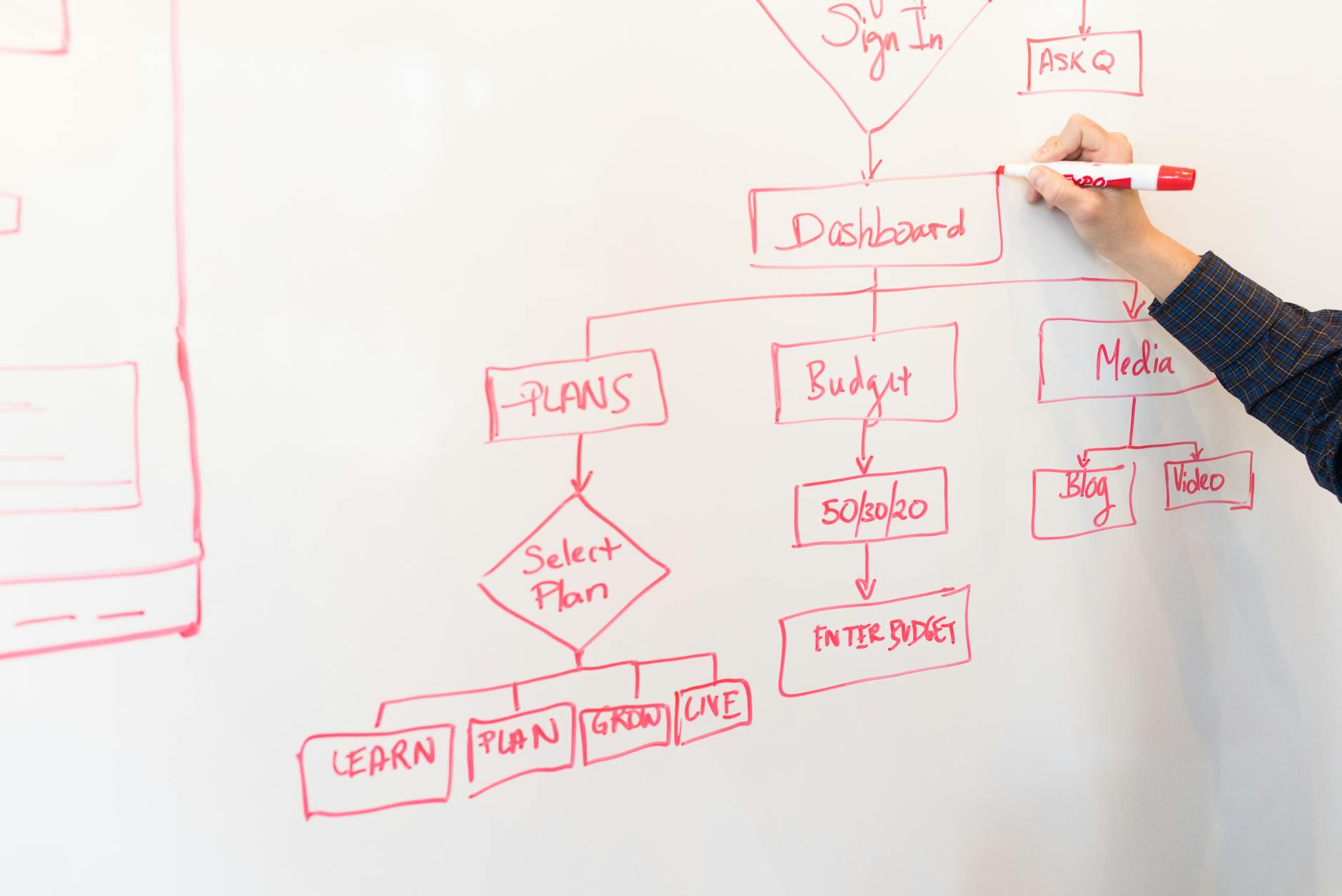
n8n, by contrast, forces the builder to map every step. A node for "Read Gmail", a node for "Generate Draft with OpenAI", a node for "Update HubSpot", and a node for "Send Slack Notification" must be linked in order. This visual representation makes it easy to see where a failure occurs, but it also requires the designer to anticipate every decision point.
For processes that involve judgment—such as qualifying inbound leads, drafting nuanced email replies, or triaging support tickets—Lindy’s natural‑language interface reduces the cognitive load on the builder. For deterministic pipelines—like copying Stripe revenue data to Notion every Monday—n8n’s explicit graph offers clarity and repeatability.
Pricing Model: Per‑Task vs. Per‑Execution
Lindy’s pricing is tiered by monthly task allowance: $8 for Human Assistant, $50 for Plus, $100 for Pro, and $200 for Max. A single task that replaces a 15‑minute human effort can be valued between $5 and $50, making the per‑task model attractive for low‑volume, high‑value work. If a company runs 200 such tasks per month, the Pro plan ($100) yields a cost of $0.50 per task.
n8n Cloud bills per workflow execution, counting a multi‑step flow as one execution. Plans start at $20 for Starter, $50 for Pro, and $667 for Business. The Community Edition is free under the AGPL and can be self‑hosted, allowing unlimited executions for enterprises that need high volume or strict data residency.
When the workload consists of hundreds of simple data syncs per day, the free self‑hosted n8n instance can be dramatically cheaper than Lindy’s per‑task fees. Conversely, occasional high‑value judgment tasks may be more economical on Lindy’s tiered plans.
Observability & Debugging
n8n provides a per‑node inspector. Operators can view the exact input and output of each node, replay from any point, and adjust parameters without re‑running the entire flow. This granularity is essential for deterministic pipelines where a single malformed field can break downstream actions.
Lindy supplies a per‑task transcript that lists tool calls and their responses, but the LLM’s internal reasoning remains partially opaque. When a decision feels off—such as an irrelevant email draft—engineers must rely on the transcript and may need to add additional prompts to surface the missing context.
Tool Ecosystem
Lindy’s catalog focuses on agent‑centric SaaS tools: Gmail, Outlook, Google Calendar, Slack, HubSpot, Salesforce, Notion, and generic HTTP/webhook calls. The limited set keeps the platform lightweight but may require custom integrations for niche systems.
n8n offers several hundred pre‑built nodes covering SaaS, developer tools, AI providers, and a generic HTTP node. Community‑contributed nodes extend the library to include Stripe, Shopify, Linear, and custom APIs. For organizations that need to touch a broad set of systems, n8n’s breadth is a clear advantage.
Deployment & Compliance
n8n’s self‑hosting capability satisfies GDPR, HIPAA, and other data‑residency mandates. Enterprises can run the runtime behind a firewall, control logging, and enforce encryption policies. Lindy is a hosted‑only service, which may be acceptable for outbound‑facing workflows but can be a blocker for regulated internal data.
Hybrid Recommendation for Britcall Digital
Britcall’s customers typically operate a mix of deterministic data pipelines and judgment‑heavy communication tasks. A hybrid architecture leverages the strengths of both platforms:
- Use n8n to orchestrate deterministic steps—triggered by webhooks, cron jobs, or CRM events. The visual graph provides clear debugging and can be self‑hosted for compliance.
- When a judgment call is required—such as triaging inbound support tickets or drafting personalized outreach—invoke Lindy via an HTTP node inside the n8n flow. The task returns a completed draft, which n8n can then route to the appropriate channel.
This pattern keeps the bulk of the workflow transparent while offloading complex language understanding to Lindy.
Decision Matrix
| Criterion | Lindy (AI Agent) | n8n (Workflow Runtime) |
|---|---|---|
| Abstraction | Natural‑language goal, hidden reasoning | Directed graph, explicit nodes |
| Pricing | Per‑task, tiered monthly allowance | Per‑execution; free self‑hosted option |
| Observability | Task transcript, limited insight | Per‑node inspector, full replay |
| Tool Breadth | Core SaaS (email, calendar, CRM) | Hundreds of nodes, community extensions |
| Compliance | Hosted only, limited data control | Self‑hosted, full residency control |
| Best Use Case | Low‑volume, high‑value judgment tasks | High‑volume, deterministic pipelines |
Choosing a single platform rarely covers all scenarios. The hybrid model aligns with Britcall’s promise of omnichannel integration while preserving operational reliability.
For deeper guidance on integrating AI agents with visual workflows, see our AI Automation Guide and the Hybrid Automation case study.
Evaluating AI-driven workflows or integration tools for your team? Consider consulting a qualified advisor for assistance in selecting the platform that best fits your technology stack.
Evaluating Total Cost of Ownership
When comparing enterprise platforms, the subscription fee is only the starting point. Organizations must consider implementation costs, internal training time, and the long‑term overhead of maintaining custom integrations.
Integration with Existing Tech Stack
Seamless connectivity with existing enterprise systems—such as ERP, data warehouses, and custom analytics tools—is critical. Robust API support minimizes data silos and ensures a unified customer view.
Scalability and Long‑Term Growth
As the business evolves, so do its operational requirements. Selecting a platform that offers a clear, scalable pathway ensures the team avoids costly, disruptive migrations later. It is also wise to evaluate how the vendor handles model updates and backward compatibility, especially for AI‑driven components that may receive frequent enhancements.
Real‑World Deployment Timelines
Implementation speed varies widely. While some providers promise immediate readiness, enterprise deployments often require dedicated project teams and extended configuration phases.
Optimizing Team Adoption
User adoption is the ultimate determinant of success. Platforms with intuitive interfaces typically see higher internal adoption rates.
Security and Compliance Considerations
For regulated industries, ensuring the platform adheres to stringent data privacy regulations is non‑negotiable. Features such as granular user permissions, audit trails, and encryption‑at‑rest are essential.
Implementation Checklist for AI‑Automation Projects
- Define clear business objectives and success metrics for each automation.
- Map the decision points: determine whether the task requires judgment (agent) or deterministic steps (workflow).
- Select the appropriate platform for each sub‑task; consider a hybrid approach when both judgment and repeatable steps are needed.
- Validate data residency and compliance requirements early; choose self‑hosted n8n if strict controls are required.
- Prototype a minimal viable workflow in n8n, then integrate Lindy via an HTTP node for the AI‑driven portion.
- Set up logging and monitoring: enable n8n’s per‑node inspector and capture Lindy task transcripts for audit.
- Perform user acceptance testing with real‑world scenarios to ensure output quality.
- Plan for ongoing maintenance: allocate resources for model updates, API version changes, and cost monitoring.
Looking ahead, AI‑automation platforms are expected to converge, offering built‑in agent capabilities within visual runtimes and tighter integration with observability tools. Organizations that adopt a modular, hybrid strategy today will find it easier to transition as the technology landscape evolves.
Ultimately, the right platform should align with the organization’s overarching digital transformation goals and provide a solid foundation for sustained operational excellence.