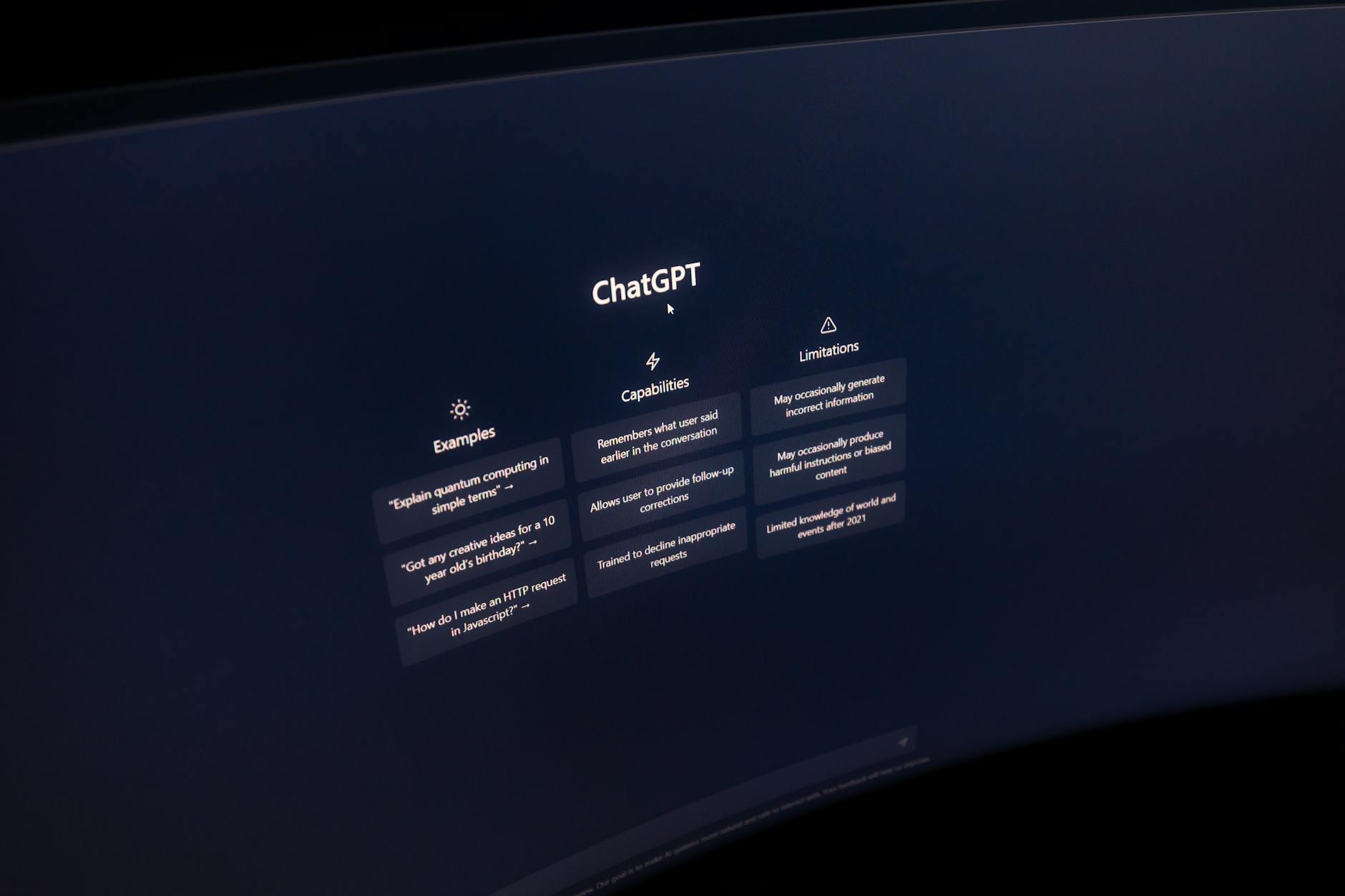
Why Standalone ChatGPT Falls Short in Customer Service
ChatGPT, released Nov 30, 2022, quickly amassed over 100 million users. Its LLMs—GPT‑3.5 and GPT‑4—excel in drafting, summarising, and translating content. However, the model was not engineered as a front‑line service bot. Key reasons to avoid direct customer contact:
- Hallucinations – The model can invent facts, presenting inaccurate answers as confidence.
- Logic gaps – Complex queries often trigger reasoning errors that can confuse or mislead a customer.
- Security risk – Feeding personal data into a third‑party LLM can breach GDPR, CCPA, or industry‑specific privacy rules.
- Bias potential – Unfiltered outputs may reflect subtle biases that damage brand reputation.
- Limited niche knowledge – GPT‑3.5’s cutoff is September 2021, and GPT‑4’s plug‑in access is paid only.
Internal‑Only Value: Enhancing Agent Productivity
Companies that run ChatGPT internally report measurable gains:
- Editing and translating help‑center articles at 40‑50% faster rates.
- Drafting customer survey questions with higher clarity.
- Summarising Zoom call transcripts and meeting minutes to reduce agent prep time.
- Polishing outbound scripts for sales teams.
According to the Zendesk Customer Experience Trends Report, improving agent workflows ranks fifth among AI use cases in the workplace. The data suggests that the real return on ChatGPT lies in augmenting, not replacing, human agents.
Bridging the Gap with API Integration
OpenAI’s API allows businesses to embed ChatGPT’s capabilities inside established customer‑service platforms. Typical integrations add:
- Ticket summarisation for quicker resolution.
- Sentiment and intent analysis to flag priority cases.
- Context‑aware reply expansion, giving agents richer wording options.
- Automated knowledge‑base gap detection, driving content improvement.
Zendesk’s partnership with OpenAI demonstrates how generative AI can complement CX data, delivering macro creation, reply expansion, and content summarisation within a familiar workflow.
Hybrid Model: AI + Human
Industry consensus points to a hybrid approach: AI handles simple, high‑volume requests, while agents address complex or emotional interactions. This model keeps response times low without sacrificing empathy or accuracy.
Compliance and Security: A Non‑Negotiable Focus
Deploying AI in a customer‑facing context raises significant privacy concerns:
- GDPR & CCPA – Directly sending personal data to a public LLM can violate consent and data‑subject rights.
- TCPA & telecom privacy – AI‑generated voice or text must include explicit opt‑in mechanisms and audit trails.
- AI governance – Enterprises need frameworks that dictate data handling, model monitoring, and bias mitigation.
Best practices for secure integration include data masking, fine‑tuning on internal, privacy‑safe corpora, and continuous monitoring of output for anomalies.
Practical Implementation Checklist
Below is a step‑by‑step framework for rolling out an AI‑enhanced support system:
- Assess Readiness – Map existing support workflows, identify repetitive tasks, and measure current response times.
- Select Integration Layer – Choose a platform (e.g., Zendesk, Salesforce Service Cloud) that supports OpenAI API connectors.
- Define Use Cases – Prioritise high‑volume ticket summarisation and sentiment tagging.
- Implement Data Controls – Apply encryption, tokenisation, and role‑based access for all agent‑chat data.
- Build & Test – Deploy pilot on a subset of channels, monitor accuracy, and gather agent feedback.
- Train & Refine – Use internal data to fine‑tune model responses, reduce hallucinations, and align tone with brand voice.
- Scale & Monitor – Expand to full production, set up dashboards for SLA compliance, and audit AI outputs regularly.
Example: Ticket Summarisation Workflow
| Stage | Description | AI Contribution |
|---|---|---|
| Ticket Intake | Customer submits issue via chat or email. | Trigger summarisation model. |
| Agent Review | Agent sees concise summary. | Reduce time to first reply by 30‑40%. |
| Resolution | Agent writes final response. | Model provides reply expansion suggestions. |
| Knowledge‑Base Update | New issue added to KB. | Model flags missing content gaps. |
Internal‑Linking Insights
For a deeper dive into secure AI integration practices, see our guide on Secure AI Integration and explore how data governance frameworks support compliant deployments.
Need to understand how to monitor AI outputs for bias and errors? Check out our resource on AI Ethics & Monitoring for actionable steps.
Conclusion: From Experimentation to Production
ChatGPT’s raw power lies in augmenting agent workflows, not in serving as a stand‑alone support bot. By integrating the OpenAI API through established CX platforms, businesses can enjoy faster ticket resolution, richer agent interactions, and a robust compliance posture. A hybrid model, coupled with stringent data controls, ensures that AI adds measurable value without compromising security or brand integrity.
Evaluating AI‑driven workflows or integration tools for your team? Consider consulting with specialists to assess the most suitable platform for your technology stack.
Evaluating Total Cost of Ownership
Beyond subscription fees, factor in implementation costs, training time, and long‑term maintenance of custom integrations.
Integration with Existing Tech Stack
Robust API support facilitates seamless connectivity with ERP, data warehouses, and analytics tools, reducing data silos.
Scalability and Long‑Term Growth
Choose a platform that offers a clear, scalable pathway to avoid costly migrations as requirements evolve.
Real‑World Deployment Timelines
Enterprise deployments typically require dedicated project teams and extended configuration phases.
Optimizing Team Adoption
Intuitive interfaces drive higher internal adoption rates and quicker ROI.
Security and Compliance Considerations
For regulated industries, ensure the platform provides granular permissions, audit trails, and compliance certifications.
Ultimately, the right platform should align with the organization’s overarching digital transformation goals and provide a solid foundation for sustained operational excellence.